Skip to content
bddage Mobile / Slots
LIVE LOBBY

bddage — Live Tables, Slots and Cricket in One Place

Live dealer tables and slot rooms sit side by side in the bddage lobby, so you switch between real-time action and self-paced games without leaving the page. Fund your account through bKash, Nagad, Upay or Bank Transfer — availability depends on your region and local law.

bKash Nagad Rocket
Browse games
CONTENT / 01

Live Tables or Slots — Choose How You Play Tonight

The choice between live casino and slots is not about one being better than the other — it is about what suits the moment.

  • Live Casino

    Live tables stream real dealers in real time. Round results are visible to every seated participant simultaneously, and the pace is set by the dealer rather than you.

  • Slots and Self-Paced Games

    Slots let you set your own rhythm. Start a round when you are ready, pause between spins and switch to a different title mid-session without losing your place in a queue.

LOCAL PAYMENTS

Move Money Through Wallets You Already Use

Your deposit route is visible the moment you open the cashier tab in your account. bddage surfaces bKash, Nagad, Upay and Bank Transfer directly in the payment screen — no hunting through menus. Once you select a method, the cashier screen shows the fields relevant to that method only, so you are never looking at options that do not apply to your choice. After you submit, the transaction appears in your wallet history under the account tab, where you can track its status without leaving the site. If a transaction shows a pending status longer than expected, the support route is accessible directly from the cashier page rather than requiring you to navigate away.

  • bKash

    bKash is available directly in the bddage cashier. Open the deposit tab, select bKash, and the screen shows the account number and amount fields. Enter exactly the amount you intend to send, then confirm on the bKash app.

  • Nagad

    Nagad deposits follow the same cashier flow as bKash. Select Nagad from the payment screen, copy the displayed account number, and complete the send step inside the Nagad app. The cashier screen shows a confirmation field where you enter the transaction ID after sending.

  • Upay

    Upay is one of the verified payment rails on bddage. Select it from the cashier, follow the amount and reference fields shown on screen, and complete the transfer inside the Upay interface. The transaction ID generated by Upay is what you paste back into the confirmation field.

  • Bank Transfer

    Bank Transfer is available for accounts where your verification level supports it. Open the cashier, select Bank Transfer, and the screen displays the receiving account details and the reference code you must include with your transfer. Send the exact amount shown — partial amounts can delay matching.

Banking
ACCOUNT PATH

From Registration to Your First Game in Four Steps

Getting from the registration screen to the live lobby is a straight four-step path. First, open the account page and fill in your mobile number, preferred username and password — the form validates each field as you type, so errors show immediately. Second, verify your mobile number through the one-time code sent to your phone — the field accepts the code automatically on most browsers. Third, visit the cashier tab to complete your first deposit using the payment method that suits you. Fourth, return to the main lobby where the live casino and slots sections are both visible from the top navigation, and the cricket betting market sits in the same row. Each step saves its progress, so if you close the browser partway through, reopening bddage.com picks up where you stopped.

  1. Step 1 — Create Account

    Open the registration page, enter your mobile number, set a username and choose a password. The form highlights any field that needs attention before you can proceed. Your mobile number becomes your primary account identifier and must match the wallet number you plan to use for bKash or Nagad deposits.

  2. Step 2 — Verify Your Number

    A verification code is sent to the mobile number you registered. Enter it in the field shown on screen to confirm your number. This step activates your account for deposits and links your wallet identity to your bddage profile, which speeds up payment matching when you use bKash or Nagad.

  3. Step 3 — Fund via Cashier

    Open the cashier tab and select from the payment methods shown for your region — bKash, Nagad, Upay or Bank Transfer. Follow the amount and reference fields on screen. Your wallet balance appears in the account dashboard once the network confirms the transfer. Check transaction history for live status updates.

  4. Step 4 — Enter the Lobby

    With your balance active, the lobby navigation opens all game sections. Live casino tables, the slots room and cricket betting are accessible from the top menu. The live section shows tables with real dealers; the slots section shows all titles from the catalogue. Switch between them without returning to a separate home screen.

MEMBER DESK / 06

Offers, support and account controls

01

Game lobby

02

Payment guide

03

Support

DISCOVER / 01

Choose your game

Full lobby
GAME NETWORK
PG Soft
Spadegaming
Microgaming
Bigtime Gaming
Habanero
CONTENT / 04

bddage lobby studios

The bddage lobby carries content from PG Soft, Spadegaming, Microgaming, Bigtime Gaming, Habanero. To check the studio, rules or features of one specific game, open that game card or the published information panel.

  • PG Soft

  • Spadegaming

  • Microgaming

  • Bigtime Gaming

  • Habanero

BDDAGE
Mobile casino lobby
Popular Live Slots
BPL Final Live Roulette Red Green Slot Tornado
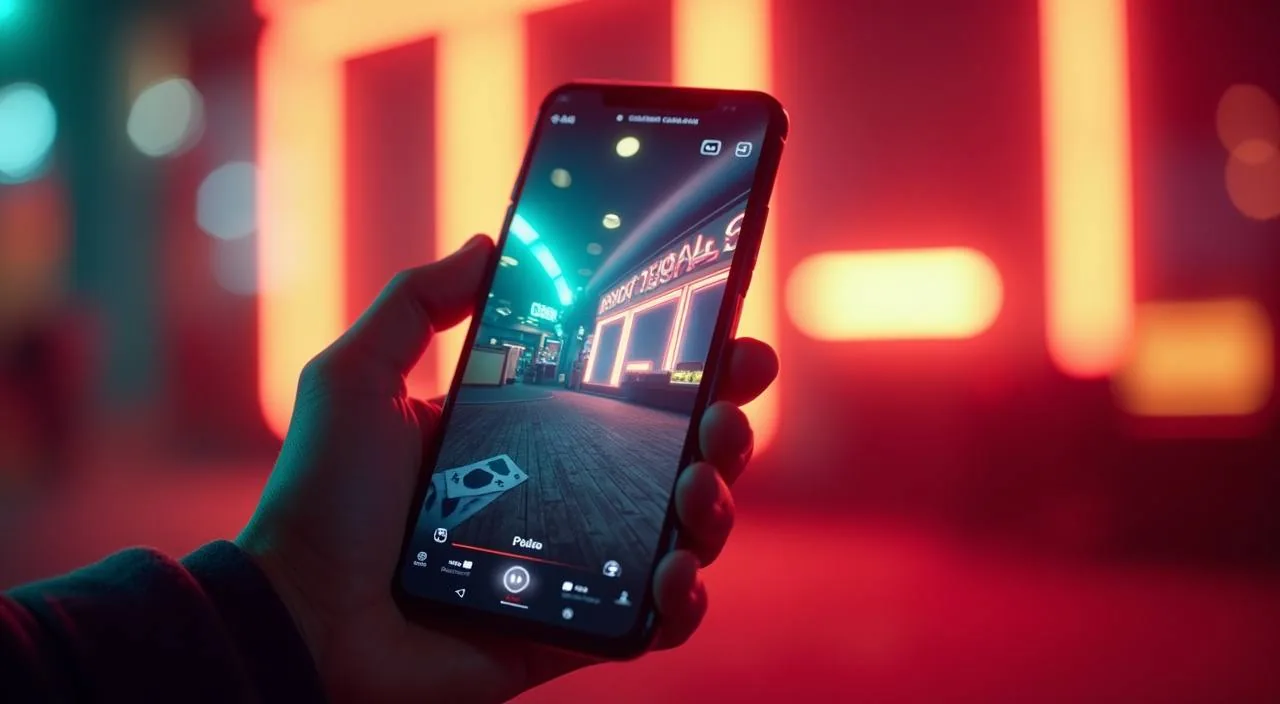
MOBILE LOBBY

Built for phones, clear on desktop

Cards, tables, FAQ and policy pages stay easy to read on smaller screens.

  • Quick categories
  • Mobile first
  • Access
App
CONTENT / 03

The Full Lobby Works in Your Mobile Browser

bddage does not require a downloaded app. The full lobby — live tables, slots, cricket betting and your account cashier — loads in a mobile browser on Android or iOS. Open your phone's browser, go to bddage, log in and the layout adjusts automatically to the screen size. The mobile layout keeps the cashier and account controls in a bottom bar so they stay within thumb reach regardless of which section of the lobby you are browsing. Page loads are optimised for mobile data connections, so the lobby responds even on a slower network. If you bookmark bddage.com from your phone browser, the bookmark opens directly to the login screen, skipping the homepage and getting you into the lobby faster on repeat visits.

  • No Download Needed

    The entire bddage lobby runs in your mobile browser — no app store download, no installation. Open bddage in Chrome or Safari on your phone and log in directly. The page layout adapts to your screen size automatically, putting the live casino, slots and account cashier in the same tap-reachable navigation you get on desktop.

  • Cashier Works on Mobile

    Deposits and withdrawals work through the browser-based cashier on mobile. Select bKash or Nagad and the browser handoff takes you to the wallet app to confirm, then returns you to the bddage session.

  • Session Stays Consistent

    Your account session on mobile is the same account as desktop — wallet balance, transaction history and game session state are shared.

ACCOUNT HELP ROUTES

Help Is One Tap from Any Page on bddage

Support access is built into the main navigation rather than buried in a footer. When you have a payment question, an account verification issue or a session problem, the help route is visible from the cashier scr

  • Payment Support

    If a bKash, Nagad or Upay deposit does not reflect in your account, open support from the cashier screen and provide your transaction reference number. The support team can cross-check it against your account transaction log.

  • Account Access Help

    Account login issues, password reset steps and mobile number verification queries are handled through the account help route. Open the help section from the login page or account settings.

  • Game Session Queries

    If a game session closes unexpectedly or a round result does not display correctly, the session log in your account history records the round outcome.

FEATURE BRIEF / 05

Cricket Betting Sits in the Same Account as Your Casino Games

Cricket betting on bddage is in the same account as your live tables and slots — one wallet, one login, one cashier. For Bangladesh, cricket is the natural anchor: IPL and BPL matches draw the kind of attention that makes in-play betting a genuine extension of watching a game.

Game feature guide
  • Cricket Betting Inplay

    Cricket Betting Inplay covers live match markets during active fixtures. The section is accessible from the main lobby navigation. Your account wallet is the same one used across casino and slots — no separate deposit or balance needed. In-play market availability depends on the current fixture schedule and your account's eligible region under local law.

  • One Wallet Across All Sections

    The bddage account wallet does not split between sports and casino. A bKash deposit made for a cricket match is the same balance available when you open a slot or live table.

ACCOUNT DESK

Account information

Review current account information after signing in.

Login
TRUST / 03

How bddage Keeps Your Account and Sessions Transparent

Account transparency at bddage means you always have visibility into your session activity, wallet movements and game history without having to contact support for basic information. The account dashboard is the single source for your current balance, pending transactions and session records. Within the dashboard you can view a breakdown of activity by date range, letting you compare sessions across different periods without requesting a report from support. Wallet movements are logged with timestamps and method details, so each entry in the history gives you enough information to identify the transaction without ambiguity.

  • Session History Always Visible

    Every game round, live table session and sports bet placed on bddage is logged in your account history with a time stamp and outcome record. Open the history tab, filter by date or game type, and the full session log is available without contacting support.

  • Payment Records in the Cashier

    Your cashier history shows every deposit and withdrawal request — the method used, the amount, the reference code and the current status. For bKash and Nagad transfers, the status indicator updates when the wallet network posts clearance.

  • Account Settings Under Your Control

    Password changes, mobile number updates and notification preferences are all managed in the account settings screen. Each change requires a verification step — typically a code sent to your registered mobile number — before it applies.

  • Region and Eligibility Conditions

    Access to bddage and all features on the platform depends on your local law and the eligible regions defined in the published terms. The terms page explains the regions where the platform operates and any restrictions that apply. Review the terms before opening an account or making a deposit.

Learn more →
PLAYER INDEX / 07

Common Questions About the bddage Lobby

These are the questions we see most often from new and returning accounts — covering the lobby layout, payment flow, studio catalogue and how the live and self-paced sections connect to the same account wallet. If your question is not here, the account help section has the full support route.

Player guide and glossary
  • What is the difference between the live casino section and the slots section?

    Live casino means real dealers running rounds in real time — the result is live and shared with everyone seated at that table, and the pace is set by the dealer. Slots are self-paced: you start each round when ready, pause between them and switch titles without waiting.

  • Which payment methods are available on bddage?

    bddage supports bKash, Nagad, Upay, Rocket and Bank Transfer for accounts in eligible regions. The cashier screen in your account shows which methods are active for your account tier and region. Select your method from the cashier, follow the on-screen fields, and complete the transfer.

  • Do I need to download an app to use bddage on my phone?

    No download is required. The full bddage lobby — live tables, slots, cricket betting and the account cashier — works in a mobile browser on Android or iOS. Open bddage in your phone's browser, log in and the layout adapts to your screen automatically.

  • Which game studios are in the bddage catalogue?

    The bddage slot and table game catalogue comes from five studios: PG Soft, Spadegaming, Microgaming, Bigtime Gaming and Habanero. Use the studio filter in the lobby to browse each studio's available titles.

  • How do I check my deposit or withdrawal status?

    Open the cashier tab in your account and go to transaction history. Each deposit and withdrawal entry shows the payment method, amount, reference code and current status.

  • Can I access cricket betting and casino games from the same account?

    Yes. Cricket betting, live casino and slots all sit under the same bddage account and share a single wallet balance. A deposit made through bKash for a cricket match is the same balance available on a live table or in the slots section.

  • Where can I find promotional offers for my account?

    Log in and open the information tab in your account dashboard. Offers shown there are specific to your account tier and region. Each offer has a detail screen showing the full terms — eligible game sections, validity period and any conditions that apply — before you opt in.

Full glossary
LOBBY / 02

One mobile lobby, distinct game areas

BPL Final Live Sports BPL Final Live Access → Roulette Red Green Live Roulette Red Green Access → Slot Tornado Slots Slot Tornado Access → Football Lucky Bet Sports Football Lucky Bet Access → Aviator Sky Run Slots Aviator Sky Run Access → Cricket Betting Inplay Sports Cricket Betting Inplay Access →
EXPLORE FURTHER / 04

Explore detailed guides

Local lobby check

QUICK ANSWERS

Frequently asked questions

These questions cover account creation, verification, security settings and what to do when something does not work as expected. The steps described match what you see in the account interface — refer to the relevant account screen for the exact fields and limits shown for your account.

Read FAQ →
How do I create a bddage account?

Open the registration page on bddage, enter your mobile number, choose a username and set a password. The form validates each field as you type. Once submitted, a verification code is sent to your registered mobile number — enter it on the next screen to activate your account.

What do I do if my bKash or Nagad deposit does not show in my account?

First, check the transaction history in your cashier tab — the deposit entry shows its current status. If the status shows as pending for longer than expected, open support from the cashier screen and provide the transaction reference number generated by bKash or Nagad at the time of the transfer.

How do I update my registered mobile number?

Go to account settings and select the mobile number update option. The process requires a verification step — a code sent to either your current or new number, depending on which is still accessible — before the change applies.

Is the bddage website available on all mobile devices?

The lobby runs in a browser on any modern Android or iOS device that supports current web standards. No specific device model is required. Open bddage in Chrome, Safari or a comparable browser and log in — the layout adjusts to your screen width.

What happens if I close the browser during a live casino round?

The round result is recorded server-side, so it exists in your account history regardless of whether your browser stays open. If you return to the lobby and the session appears incomplete, check the transaction history in your account — the round outcome and any balance change will be logged there.

How do I know which game studios are active in the lobby right now?

Use the studio filter in the slot and game lobby. The filter lists the studios currently active: PG Soft, Spadegaming, Microgaming, Bigtime Gaming and Habanero. Selecting a studio shows only that studio's available titles in the current catalogue view. The catalogue updates periodically, so the filter reflects current availability.

Where are the full terms and conditions for my account?

The full terms and conditions are accessible from the footer of every page on bddage and from the account settings screen. They cover account eligibility, payment conditions, offer terms and regional restrictions.

Can I use Bank Transfer for both deposits and withdrawals?

Bank Transfer is available for both deposits and withdrawals on accounts where your verification level supports it. Open the cashier and select Bank Transfer — the screen displays the receiving account details and a reference code for deposits, or the fields for your bank account details for withdrawals.

READY WHEN YOU ARE

bddage game lobby

Access may be available only where local law permits.

Register Login